← Back
 Google Apps Script
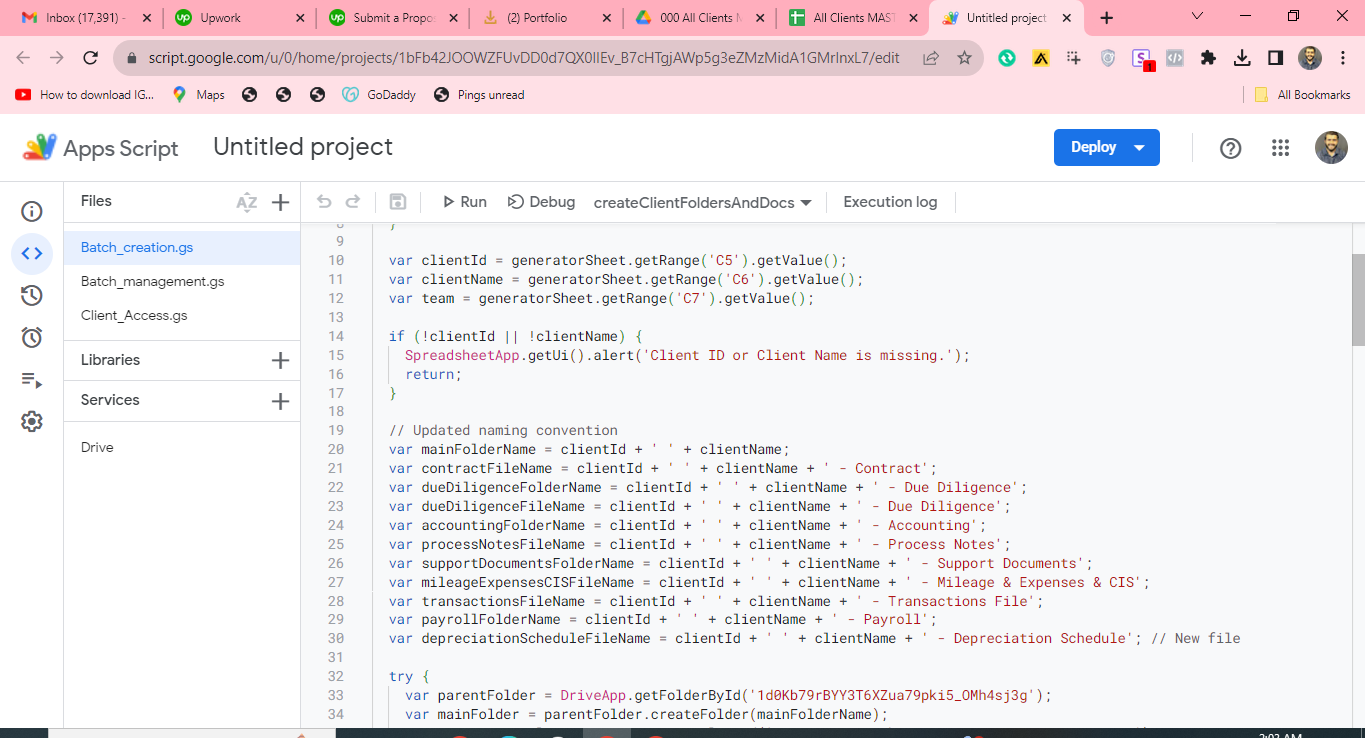
The batch-creation script that generates each client’s folder structure, contract, and accounting files from templates.
Batch Creation of Folders and Files
Google Apps Script
Works with
- Google Apps Script
- Google Drive
- The script initiates by creating a structured main folder in Google Drive.
- Within this main folder, it systematically generates a set of predefined subfolders.
- For each subfolder, the script creates specific spreadsheet files from templates designed for various purposes.
- Google Docs templates are duplicated and placed into their respective folders, ready for use.
- A master spreadsheet is updated with the names, IDs, and direct links to all created folders and files, facilitating easy navigation and organization.