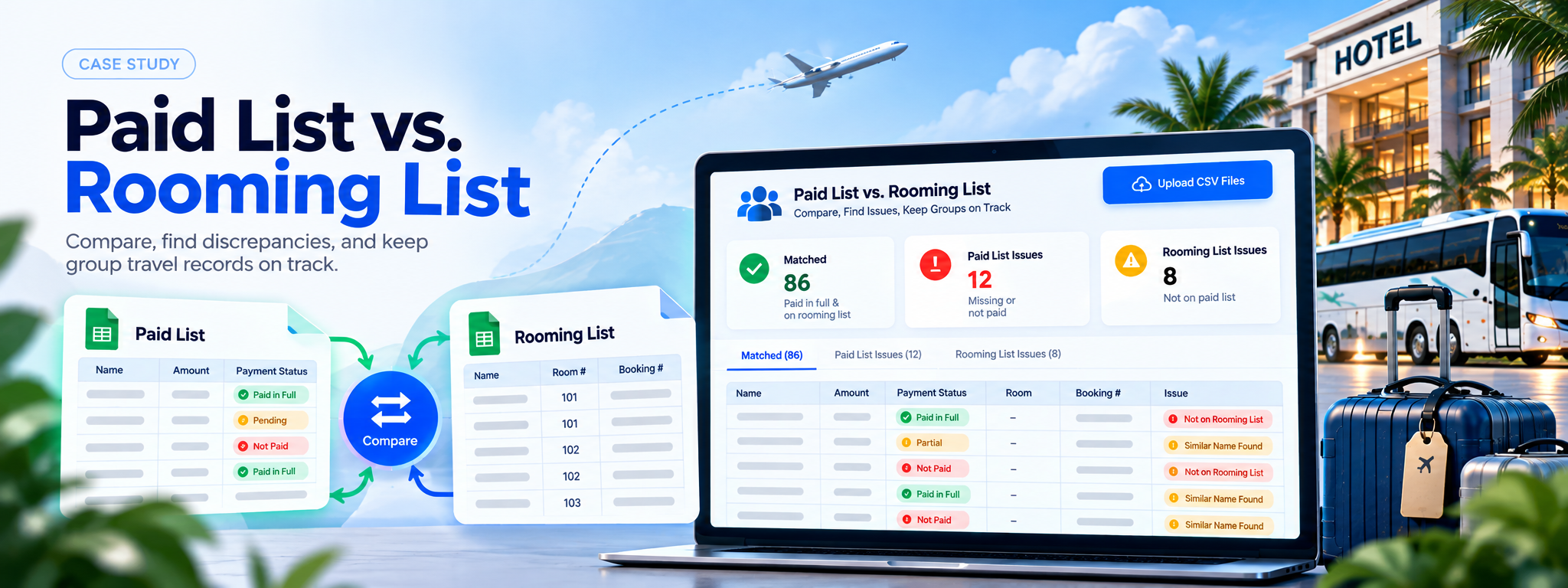
Paid List vs. Rooming List
Compare payment and rooming records, identify discrepancies, and keep group travel organized with confidence through faster, smarter, and more accurate data reconciliation.
- Google Sheets
- TypeScript
- Node.js
- Railway
Project Overview
Paid List vs. Rooming List is a web app that compares group travel payment records with room assignments exported from Google Sheets. It identifies fully paid travelers assigned to rooms, flags missing or unpaid records, and highlights similar-looking names that may need staff review.
Business Problem
Group travel teams maintain separate Paid List and Rooming List tabs in Google Sheets. As lists change, they can become inconsistent: someone may pay but not be assigned to a room, appear on a rooming list without being listed as paid, or have a slightly different spelling of their name across the two lists. Finding these discrepancies manually in spreadsheets with 100 or more rows is slow and error-prone.
An internal tool for a group travel company. Each student travel group keeps two separate tabs in Google Sheets, a Paid List (who paid, how much, and their payment status) and a Rooming List (who’s actually assigned to a room). Those two lists can drift apart: someone pays but never gets added to a room, someone’s on the rooming list but never paid, or a name is slightly misspelled between the two. Catching that manually in a 100+ row spreadsheet is slow and error-prone.
Solution
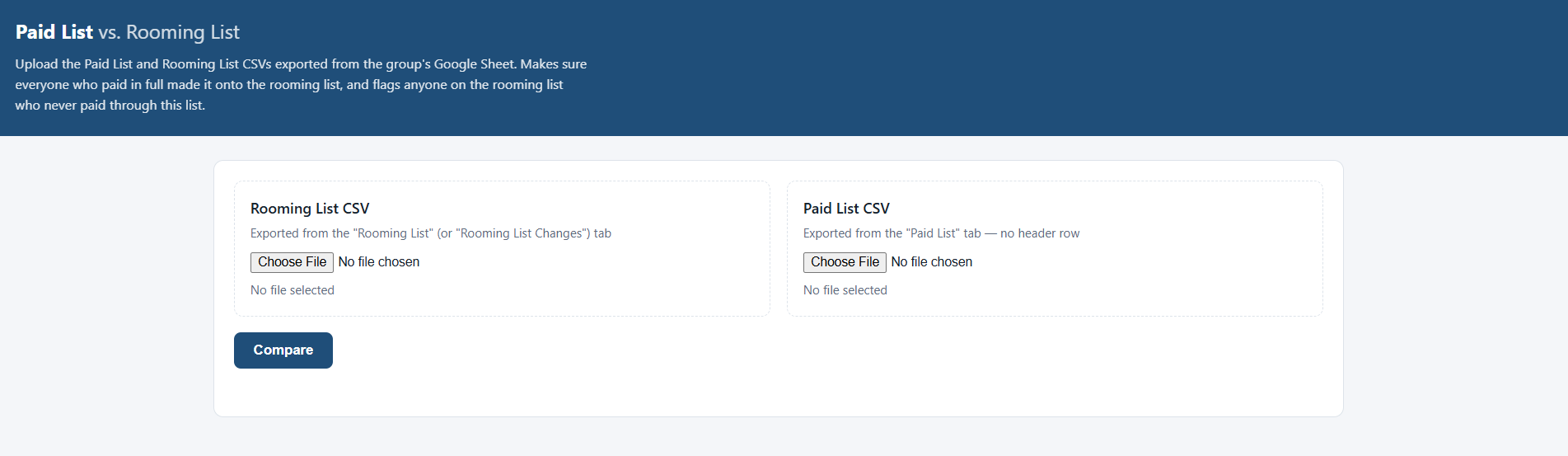
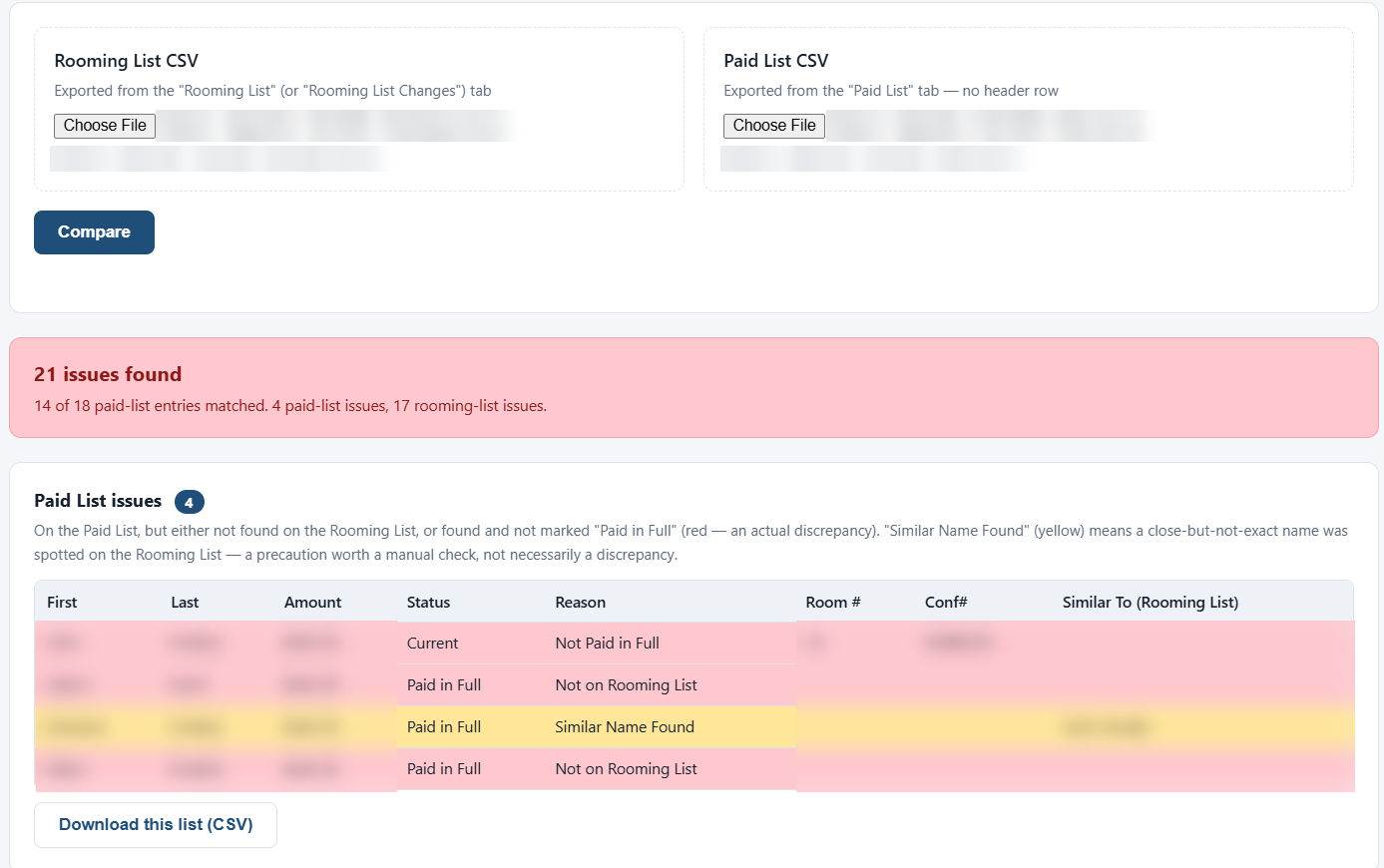
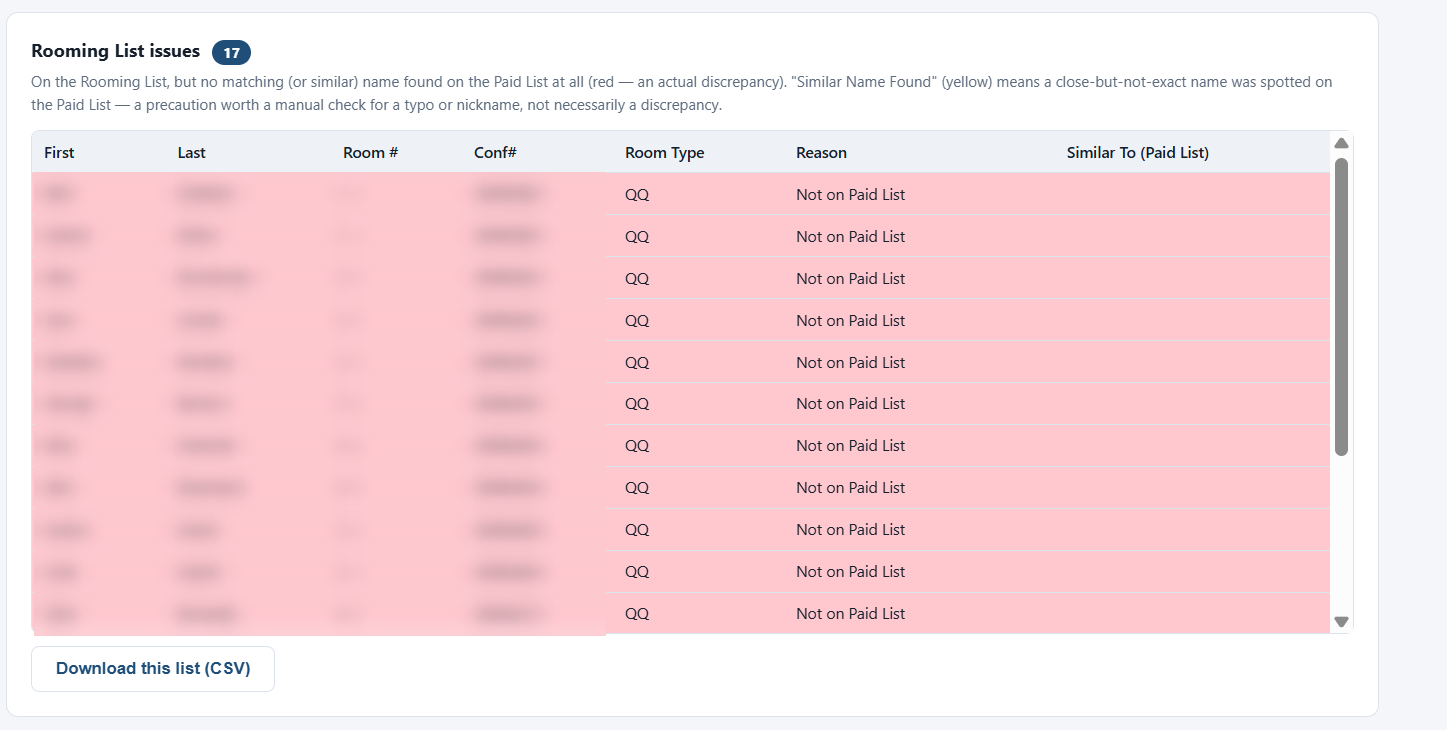
A small web app where a staff member uploads both CSVs (exported straight from the Google Sheet tabs) and gets back three buckets instantly:
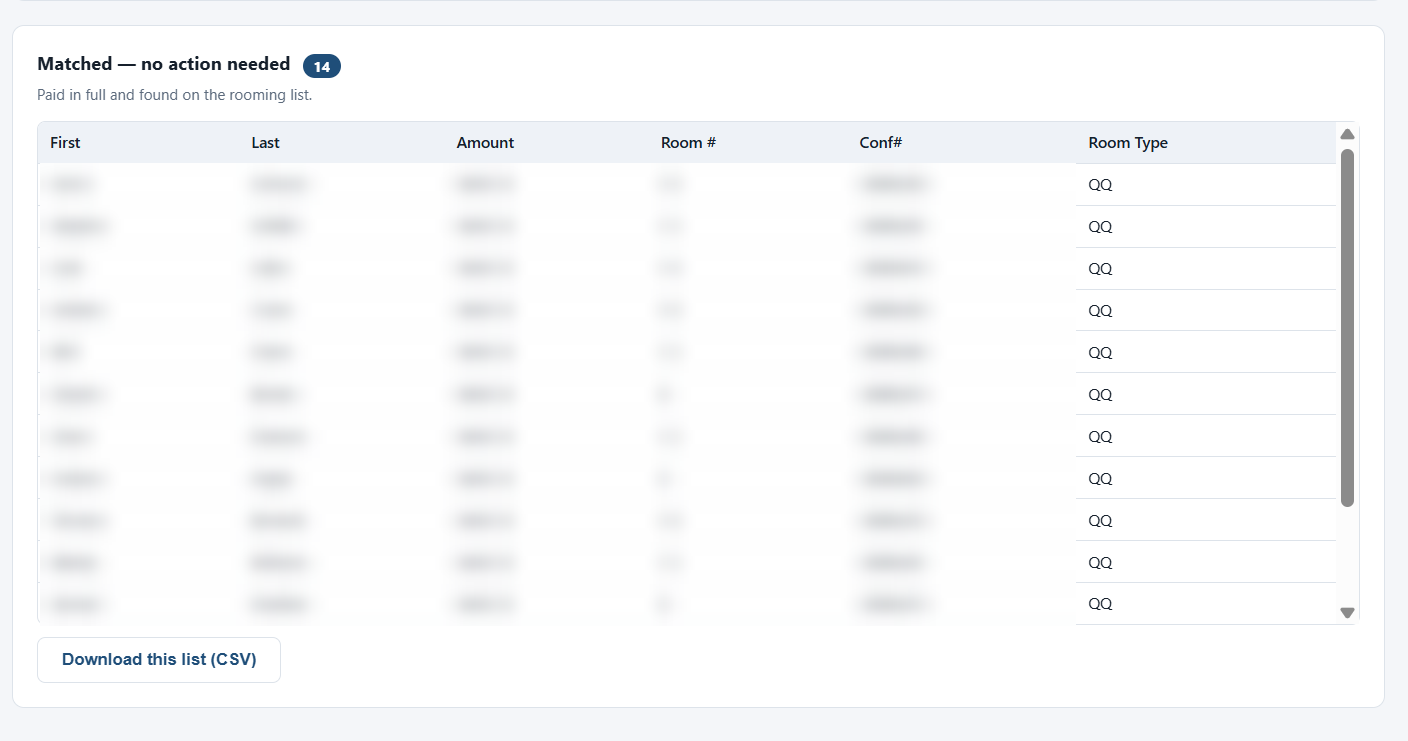
- Matched: paid in full and on the rooming list. No action needed.
- Paid List issues (🔴/🟨): on the Paid List but missing from the Rooming List, or not marked “Paid in Full.”
- Rooming List issues (🔴/🟨): on the Rooming List but missing from the Paid List.
How It Works
- Parse both CSVs: the Rooming List always has a header row; the Paid List usually doesn’t, so the parser detects whichever shape it’s in (including an optional leading row-number column, and an “Amount” or “Payment” column).
- Flatten each rooming-list row into individual occupants (up to 2 per room).
- Match people by exact, case-insensitive name between the two lists.
- For anyone with no exact match, check the other list for a close-but-not-exact name (same last name, or a small edit-distance typo/nickname), if found, flag it yellow (“Similar Name Found”) on both sides as a precaution; if truly nowhere on the other list, flag it red as a real discrepancy. A matched person who isn’t “Paid in Full” is also red.
- Results render as sortable tables in the browser, each downloadable as its own CSV.
Everything runs stateless: nothing is saved to disk; each upload is compare-and-respond.
Tech Stack
Built in TypeScript running on Node.js (a plain Node HTTP server, no framework), with a plain HTML/CSS/vanilla JS frontend. Deployed on Railway.